Your field team, live on one screen.
ARM One records attendance with time and location, measures the distance your staff travel for TA, and collects task reports with photos. Staff use the phone app; managers see everything in the admin panel.
Run a sample shift and watch the report fill in
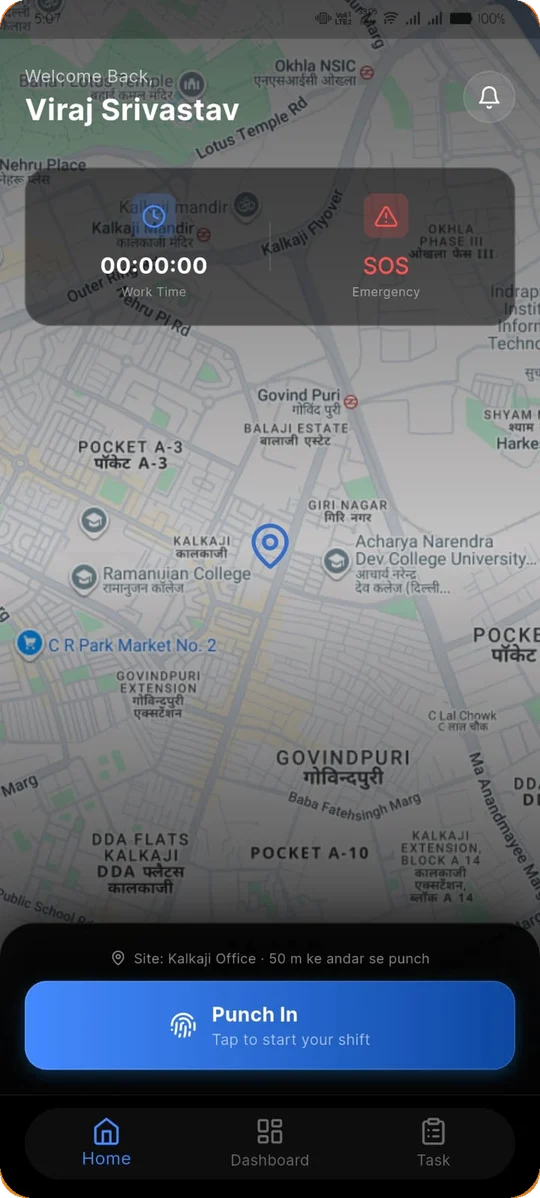
Press Punch In. The phone records the route and the work time, and the admin panel on the right updates on its own. This demo uses sample data and runs fast: one second here is ten minutes of a real shift.
Site: Kalkaji Office · you are inside the site
Admin panel · Today's attendance
| Employee | Status | Punch in | Punch out | Distance | TA |
|---|---|---|---|---|---|
| Field Executive A | Done | 09:05 | 18:20 | 41.2 km | |
| Field Executive B | Done | 09:18 | 17:55 | 27.9 km |
Sample rows. In the real panel you also see the live map, route history, tasks and monthly reports, filtered by company, state and team.
One app for the field, one panel for the office
Punch in, punch out
One tap records attendance with the time and the exact location.
Distance and TA, automatic
While you are punched in, the route is recorded and the kilometres are added up for your travel allowance.
Site check
If your company turns it on, attendance is accepted only at your assigned site.
default radius 200 mTasks with photos
See tasks from your admin, fill the form, attach photos or files and submit.
Works without internet
No network? The punch is saved on the phone and sent as soon as the connection is back.
SOS in one tap
Call Police 112, Ambulance 108 or your admin straight from the app.
Your language
Use the app in English, Hindi, Marathi and more.
Fake GPS blocked
Punches from mock-location apps are caught, so attendance stays honest.
Live map
See who is punched in and where they are right now.
Route history
Replay any employee's route for a day, with GPS status along the way.
Attendance & TA reports
Daily and monthly attendance, work hours and distance-based TA, ready to export.
Sites & geofence
Add sites, set the radius and switch site check on for a team or one employee.
Access levels
Global admin, company head, state head and coordinator. Each sees only their own teams.
Many companies, one panel
Run several companies and teams, each with its own rules and designations.
Task forms
Create task types once. Staff fill them in the app with photos and location.
Auto punch-out
Forgot to punch out? The shift closes on its own at 11 PM.
23:00 ISTLive in a day, in three steps
The company sets up
The admin adds employees, teams and sites in the admin panel, and sets the TA rules. There is no public sign-up.
Staff install and log in
Staff install ARM One from Google Play or the App Store and log in with their Employee ID and email. They allow location "all the time".
Punch in and work
Punch in at the start, submit tasks during the day, punch out at the end. Attendance, distance and TA are in the report.
Simple screens, big buttons
Made for people who are on the road all day. Scroll sideways to see more.
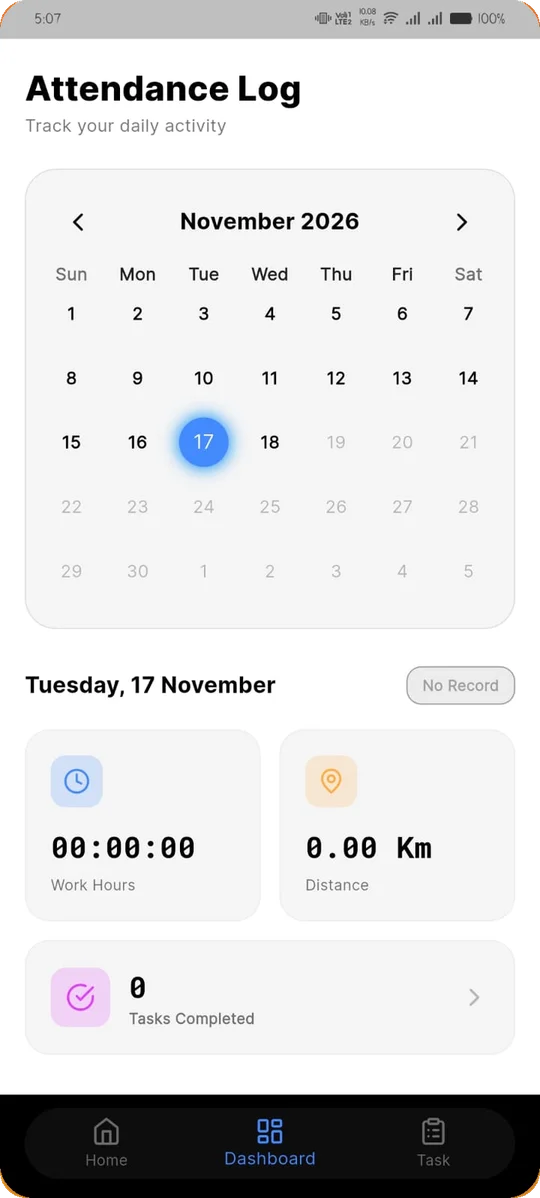
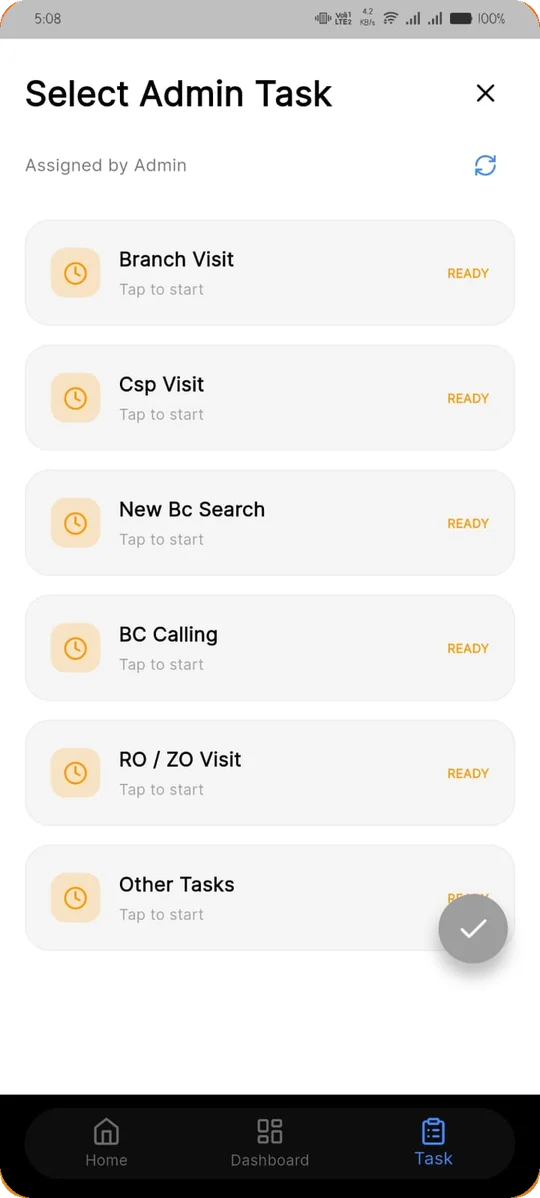
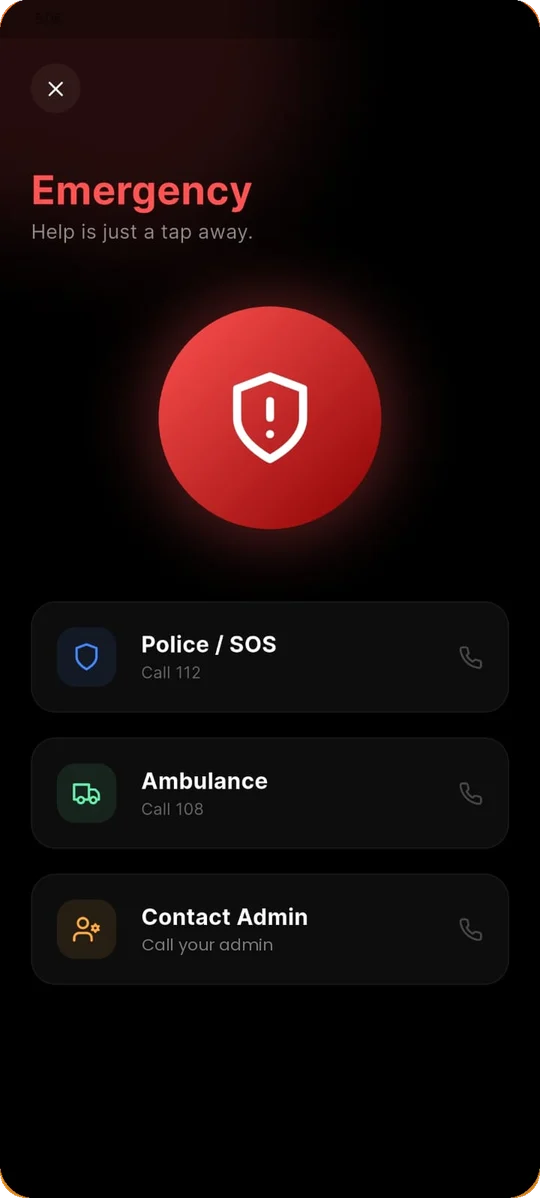
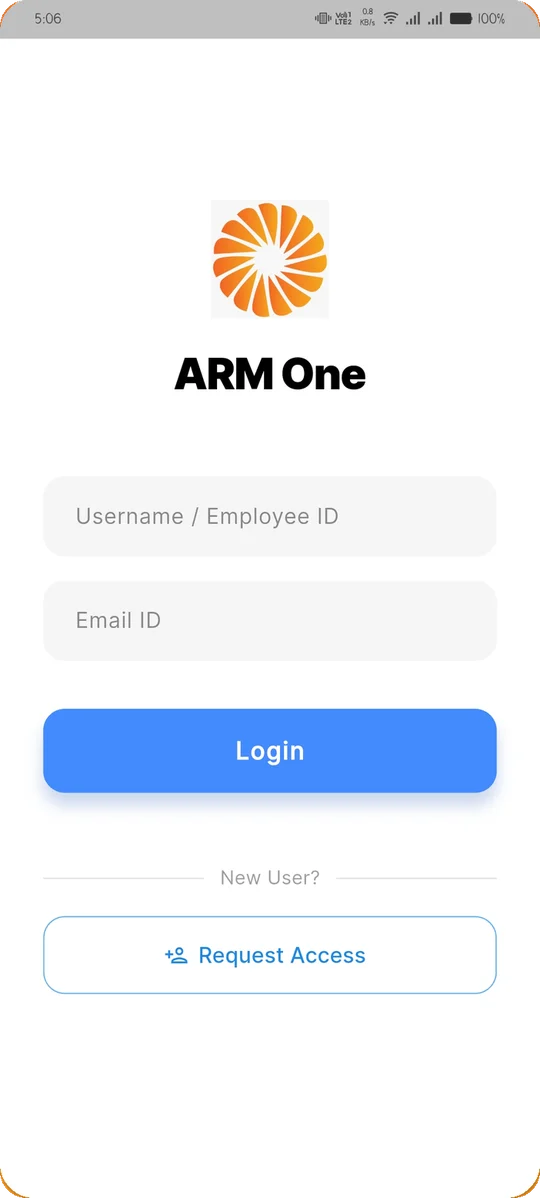
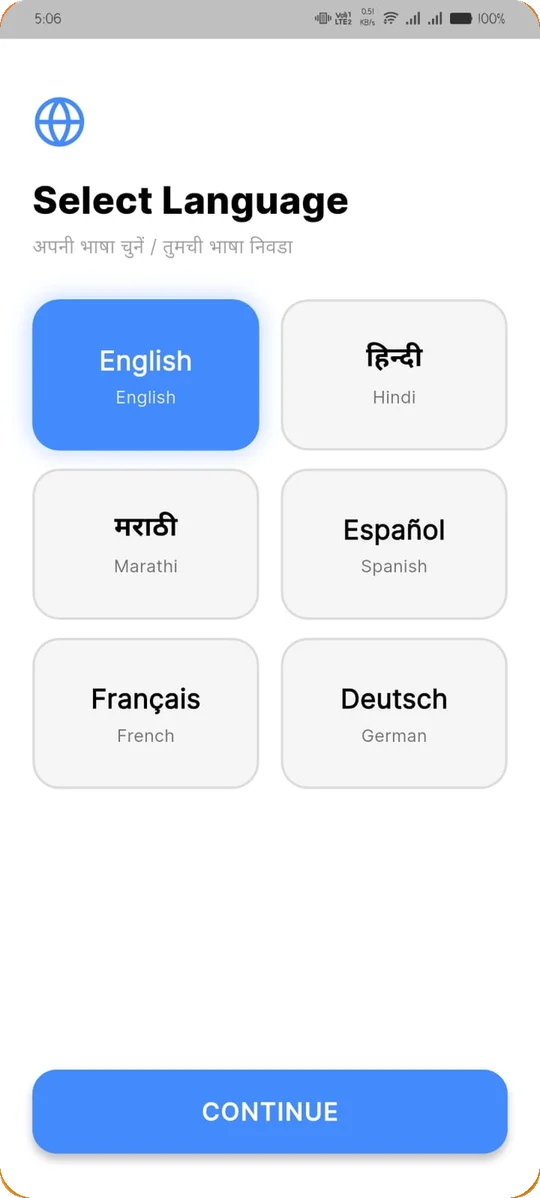
See how to use ARM One, start to finish
Install, log in, give permissions, punch in, submit a task and punch out. Pick the language your team is most comfortable with.
Get ARM One on your phone
Scan the code with your phone camera, or tap the button.


Using the old ARM One on Android? Punch out first, uninstall the old app, then install the new one from Google Play and log in again. Your attendance history is safe on the server.
On iPhone you only need to update the app from the App Store.
Location only while you are on duty
ARM One is a work app. It tracks location only between punch in and punch out, and it always shows a notification while it does.
No tracking after punch outWhen you punch out, location is no longer recorded or sent.
No ads, no data sellingWe do not show ads and we do not sell or share data for marketing.
Encrypted connectionAll data travels over HTTPS.
Seen only by your companyOnly authorised admins of your organisation can see your records, based on their role.
What we are building next
ARM One grows with the teams that use it. These are planned, and dates will be shared when they are ready.
HRMS inside ARM One
The full HR side of your team in the same app and panel you already use for attendance.
- Leave requests and approvals
- Holiday calendar
- Employee records and documents
- Attendance ready for salary
Selfie with punch
A quick photo with each punch, along with the location, for stronger proof of attendance.
More sites per employee
For staff who report at different offices on different days.
Want ARM One for your team?
ARM One already runs attendance for field teams across several companies. We can set it up for yours, with your teams, sites and TA rules.
- Android and iPhone app, plus admin panel
- Set up for your companies, states and teams
- One-time purchase
- Help with setup and staff training
203–204, Sarda Chambers, 3 LSC, Kalkaji, New Delhi 110019
Common questions
Who can use ARM One?
Employees whose company uses ARM One. Your company creates your account; there is no public sign-up.आपका अकाउंट आपकी कंपनी बनाती है।
Does it track me after I punch out?
No. Location is recorded only while you are punched in. After punch out nothing is recorded.Punch Out के बाद लोकेशन रिकॉर्ड नहीं होती।
Why does it ask for location "all the time"?
So the route keeps recording when the phone is locked or the app is in the background during your shift. Without it, distance and TA come out wrong.
What if there is no internet?
Punch anyway. It is saved on the phone and sent when the network returns.
Which phones does it work on?
Android 7.0 or newer, and iPhone with iOS 15 or newer.
I can't find it in the App Store search
On iPhone, open the link on this page or scan the QR code. The App Store listing opens directly from the link.
The battery drains or tracking stops
On Android, set ARM One's battery use to "Unrestricted" in phone settings, and keep location on while you are punched in.
I forgot my login or need access
Ask your company admin, or tap Request Access on the login screen.